API
Trade your Perps Fund accounts, or a simulated sandbox, programmatically with a REST API and API keys.
Perps Fund has a REST API so you can drive a trading agent from code. The public Developers page is the way in, and the full reference behind it is open to everyone: you can read every endpoint before you have a key. Creating a key is the part that needs your account in the beta. There are two kinds of key:
- A live key (
pk_live_) trades your real accounts (your free trial, a paid challenge, a tournament entry, a funded account) through the terminal's own order handlers, so every rule the terminal enforces applies to the API too. - A sandbox key (
pk_test_) trades a separate, simulated paper account where nothing counts. It is not the demo terminal's account, and it runs a simpler engine than your real accounts do (see The sandbox).
What you can do
With a live key, from your own agent:
- Read your accounts, open positions, resting orders, running and finished Pro orders, closed trades and funding payments.
- Place market, marketable-limit and resting limit orders, cancel them, set take-profit / stop-loss, and close positions.
- Place every Pro order type the terminal offers: conditional, Scale ladder, TWAP, chase, chase TWAP and swarm.
One key reaches every account you own; each order names the account it is for. A passed account accepts closes, TP/SL and reduce-only orders only, and a failed or expired one is locked, exactly as in the terminal.
Authentication is a single X-API-Key header. Responses are JSON.
The sandbox
A sandbox key trades your own simulated account, priced off real marks, where nothing counts. It is separate from everything else: trades there never appear in the demo terminal or on any real account, and the reverse. It is built for rehearsal, and it differs from a live account in ways an agent has to know:
- It accepts market and marketable-limit orders only. There are no resting limits and no Pro orders, and an order type it does not know becomes a market order rather than an error.
- Take-profit and stop-loss levels fire only when your agent reads the account or its positions, not continuously.
- It has no idempotency: resending a request that already went through can place it twice.
- It is the only place the API lists the tradeable markets and their current marks; live keys have no markets or prices endpoint.
What it does not differ in is the position caps. The sandbox refuses an order that breaks one with the same
code and message live gives, including the per-market cap (ASSET_NOTIONAL_CAP), which both work out the same
way from the same open-interest reading. So a position size the sandbox accepts in a market is not refused by that
market's cap on live at the same moment. The other caps scale with your account's equity, so they match live
only at the same account size.
- A sandbox with no writes for 30 days is deleted; the next call starts a fresh account. You can also reset it yourself at any time.
Limits and retries
Every key is limited to 600 per minute. Live orders also count against the per-user limit the terminal itself uses, which you share with your own terminal and with every other key you hold: 150 per minute for each of market orders, limit orders, closes, cancels and TP/SL changes, and 20 per minute for each Pro order type.
Live requests that change something accept an optional Idempotency-Key header. Resend a timed-out request
with the same key and you get the first response back instead of a second order. Without the header, nothing
is deduplicated.
Getting access
Key issuance is a controlled beta. Reading the reference needs nothing; creating a key needs your account enabled. To ask for it, open the developer page and choose Request on Discord (create an account first if you do not have one). Once your account is enabled, you create and revoke keys in Settings > Developer; see Settings. Until then that tab reads "You're not in the API beta yet".
Access belongs to your account, not to a key. If your access is withdrawn, or your account is suspended, every key you hold stops working on its next request.
The developer page
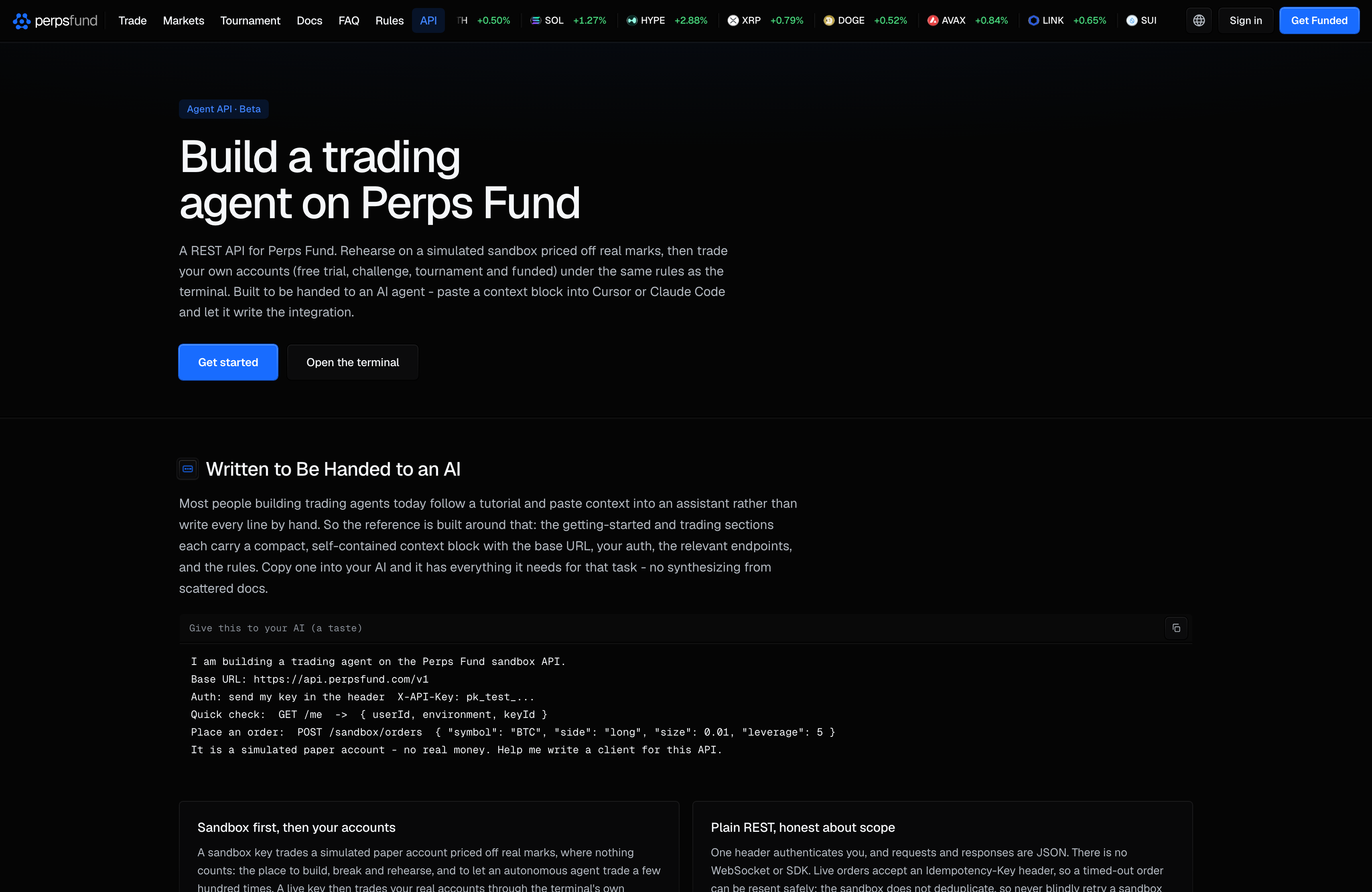
The developer page is the front door for the API: a public overview of what it is and who it is
for, and a sample of the AI-agent context blocks. The reference behind it is
public too, and lives with these docs on docs.perpsfund.com, under /reference. It is a space you page through
one section at a time: the getting-started walkthrough, every
endpoint with its parameters and examples, the error-code tables, and the concepts. The machine-readable
OpenAPI 3.0.3 spec is public too: fetch it from GET /openapi.json with no key at all, feed it to a code
generator, a Swagger viewer or an agent, and decide from it whether you want a key.
Every docs page and every section of the reference has a Copy page control at the top. It copies the page as Markdown, ready to paste into an assistant. The arrow beside it opens a menu: View as Markdown, Open in ChatGPT, Open in Claude, and Connect to Cursor and Connect to VS Code, which install the docs as an MCP server in your editor so an assistant can search and read them while it writes your agent. That server reads the public docs only and needs no account or key; Start here has the details.